Powered By
OGS FUSE
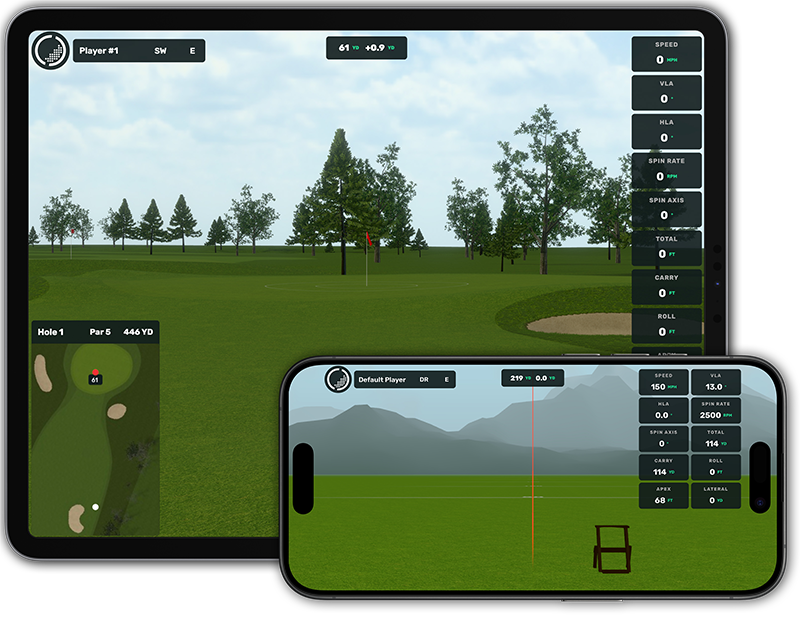
OpenGolfSim FUSE (Fast Universal Simulator Engine) is our free, high performance 3D game and physics engine built from the ground up specifically for golf simulation on any WebGPU or WebGL capable device.
The FUSE source code is made available on our Github for educational and non-commercial purposes. Commercial licensing available upon request.
How does it work?

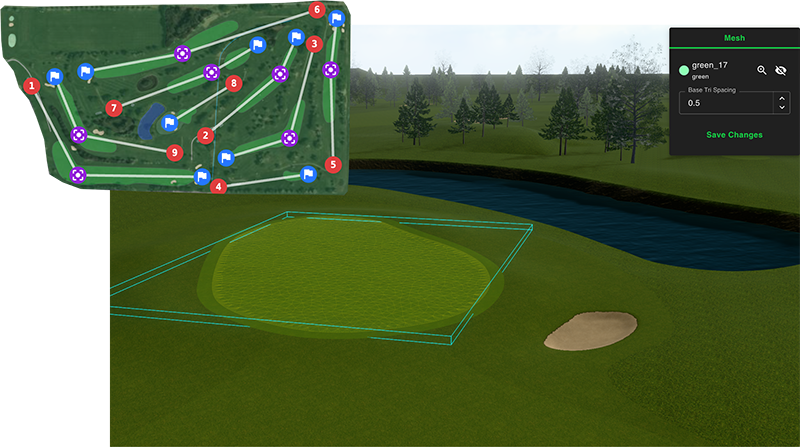
Build your own courses
We built an all-in-one course building app to easily design, test, and publish courses, practice facilities, minigolf and more. Join a growing community of course developers building their own high-quality golf courses for OpenGolfSim.